Kitchen · Buyer’s guide
How to choose a kitchen management system
The questions that separate a KMS that fits your kitchen from one that fits a demo.
Map four things before you see a demo
Menu
Which items go to which station, and in what order.
Stations
Grill, fry, assembly, drinks, the pass, and who sees what at each one.
Peaks
Dayparts, channels and your busiest hour.
Sites
How layouts differ across the estate.
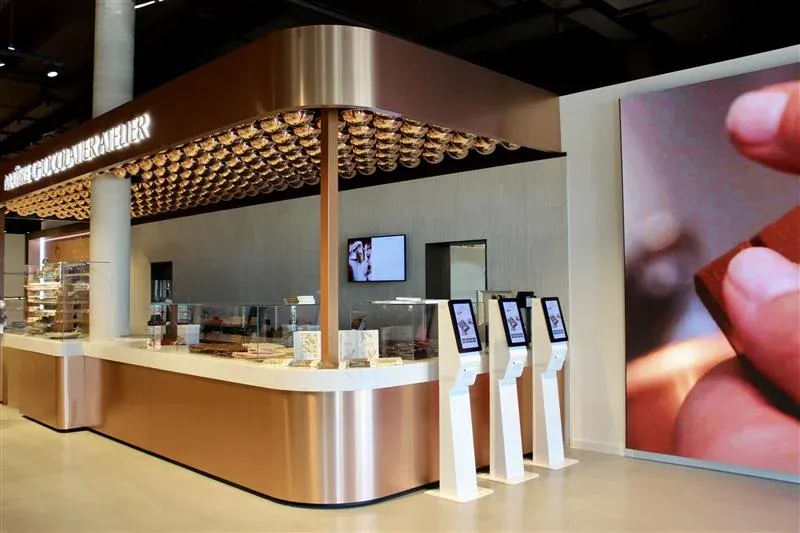
Connect every order channel to the kitchen
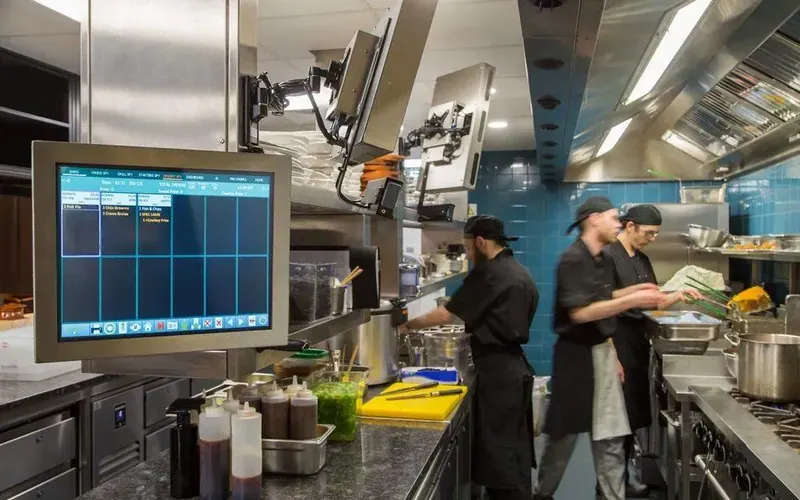
Orders arrive from the POS, kiosks, web, app and delivery platforms. If the kitchen management system cannot take them all directly, someone ends up rekeying orders mid-rush, and that is where mistakes start.
Ask how each channel connects, and who supports it when it stops.
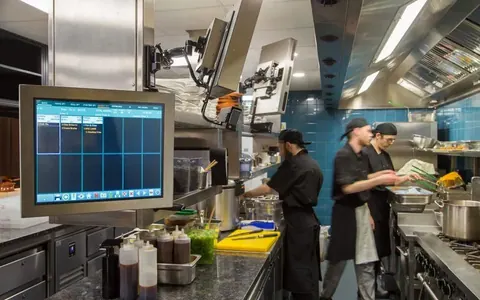
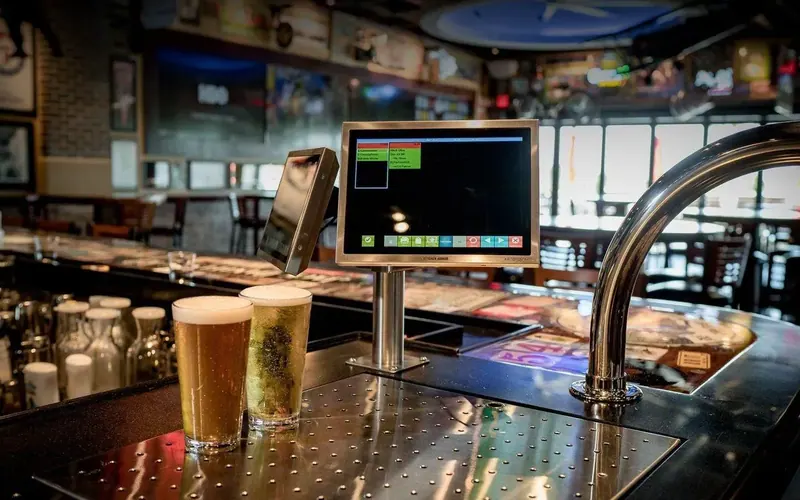
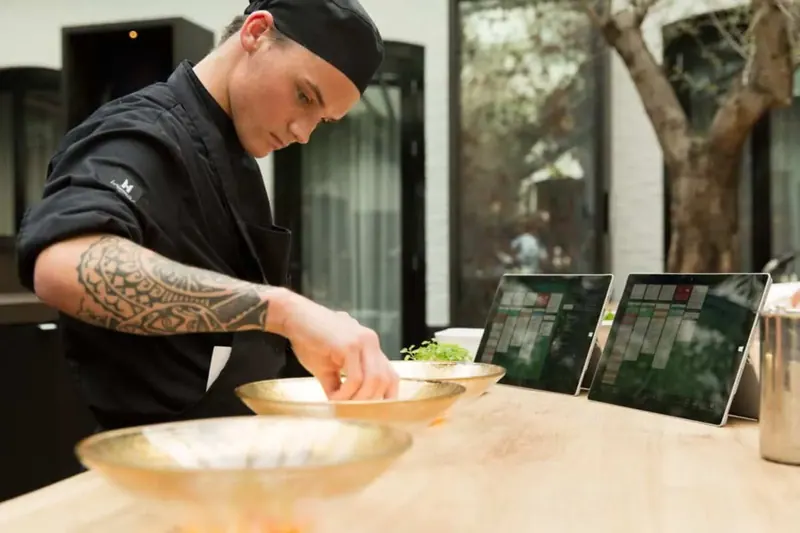
Bump bars, touch or both
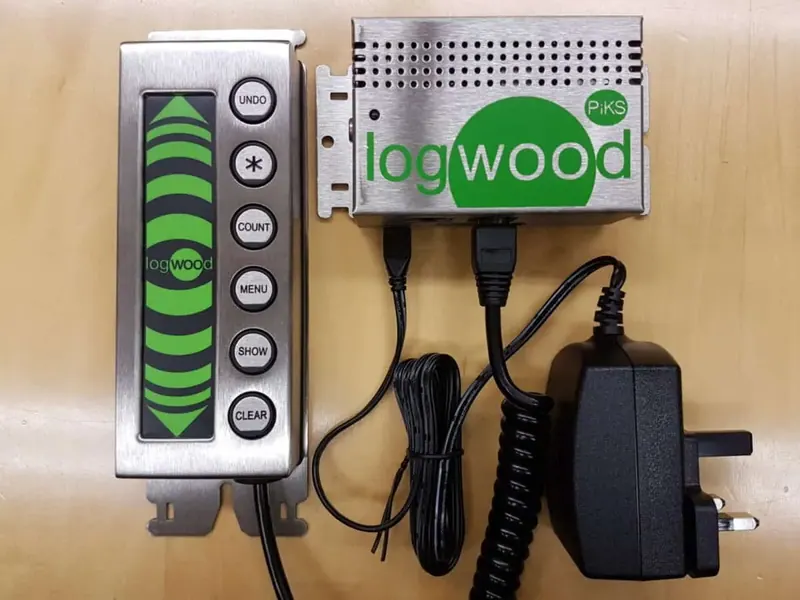
Bump bars
Built for heat, grease and gloves. Fast once learned.
Touch
Flexible layouts and quicker to train.
Both
Bump at the hot stations, touch at the pass.
How to run a useful pilot
- 1
Choose
Pick pilot sites that reflect the estate.
- 2
Measure
Record ticket times, remakes and crew feedback before go-live, so you have something to compare against.
- 3
Run
Run through real peaks and every channel, not just quiet afternoons.
- 4
Fix
Adjust routing and layouts, then standardise.
- 5
Roll out
Repeat with a site template.
Want this working on your estate?
Talk to the team that surveys, installs and supports it, across the UK and Europe.