← All stories
Retail · Explainer
Retail · Explainer
Digital cabinets versus printed labels
Not every fixture needs a screen. Here is how to tell which ones do.
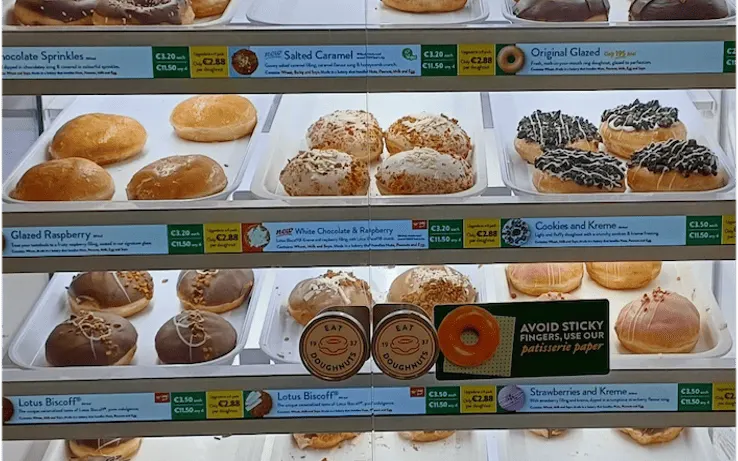
Printed labels versus screens
Printed labels
- The same message all day
- Changes wait for the next reprint
- Easy to walk past
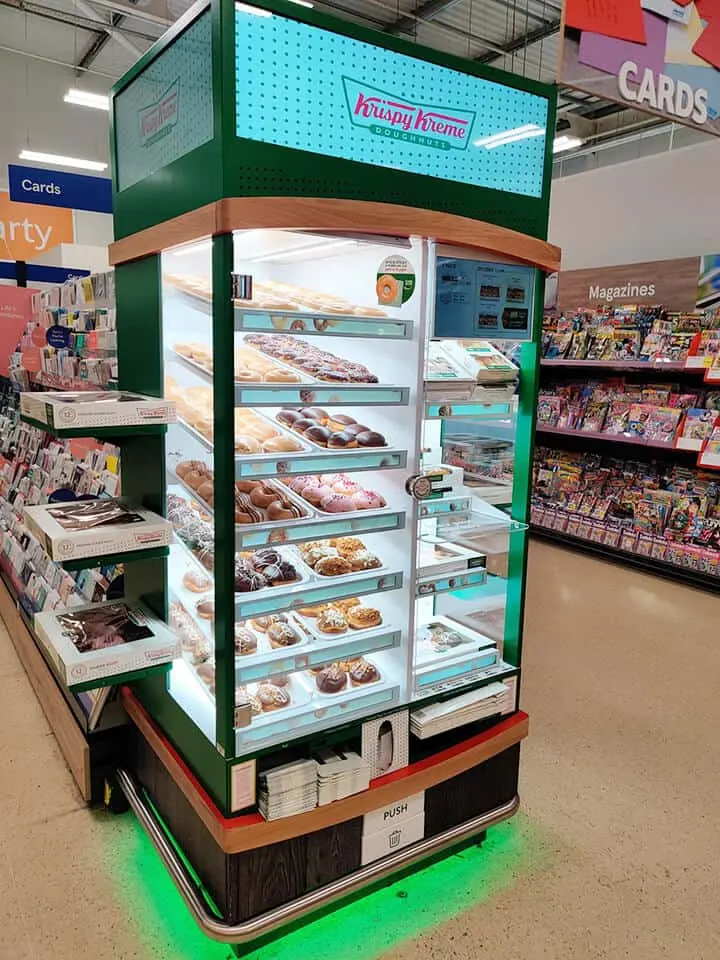
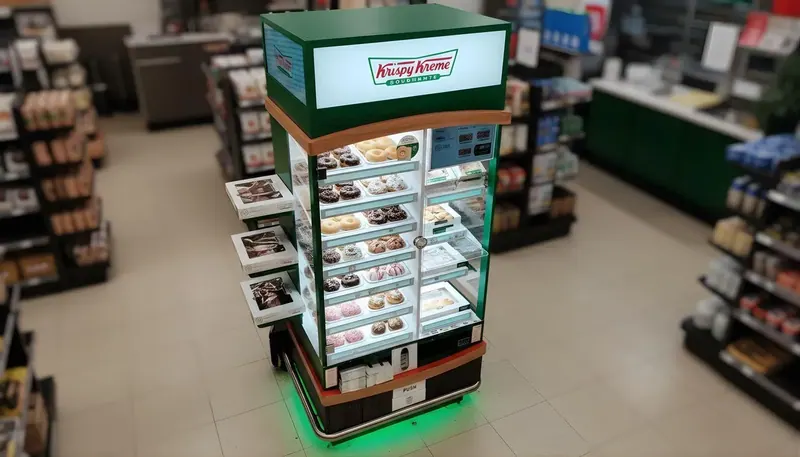
Digital cabinet
- Content that moves with the daypart
- Offers live in minutes, not at the next reprint
- Motion that catches the eye
Four tests for any fixture
01
Point of decision
Is this where the shopper chooses?
02
Daypart
Does the right offer change through the day?
03
Ownership
Who updates the content, and how fast?
04
Measurement
Can you tell if it moved product?
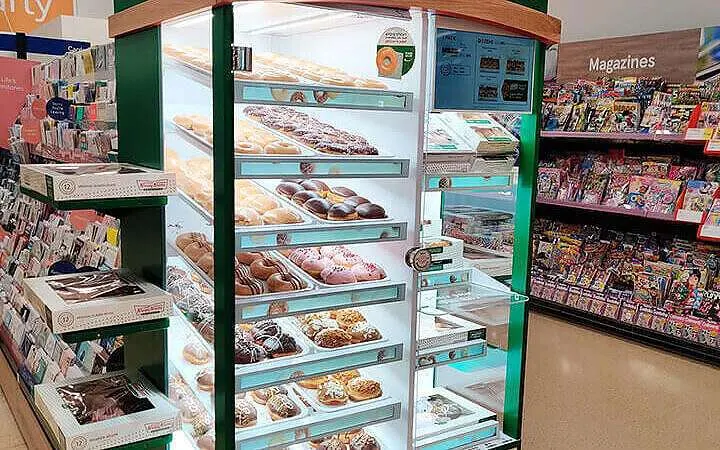
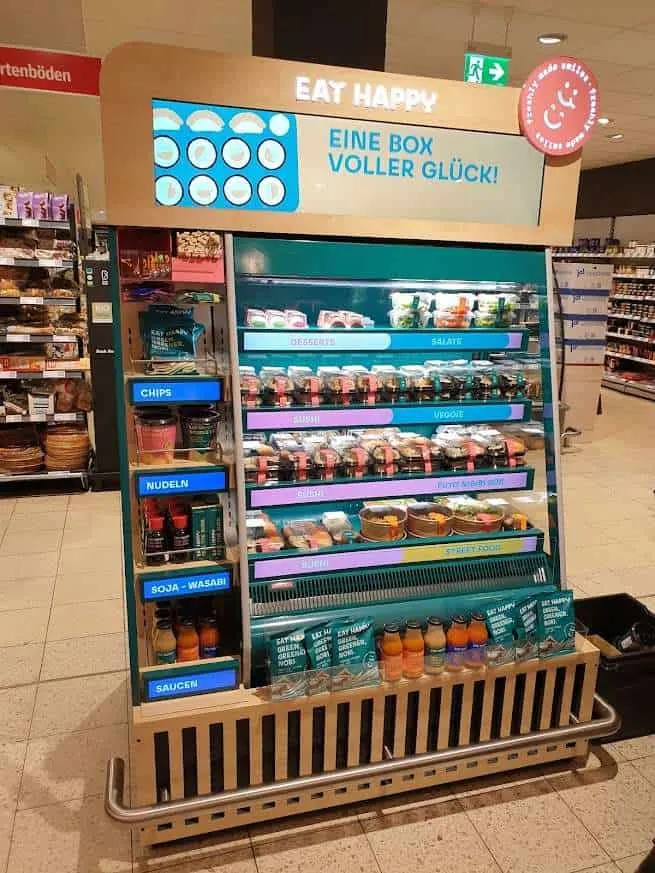
When the screen is in the right place
1 in 2+shoppers stop at Holland & Barrett guided bays: more than half of those who walked up stopped to use one
Measure whether the screen moved product
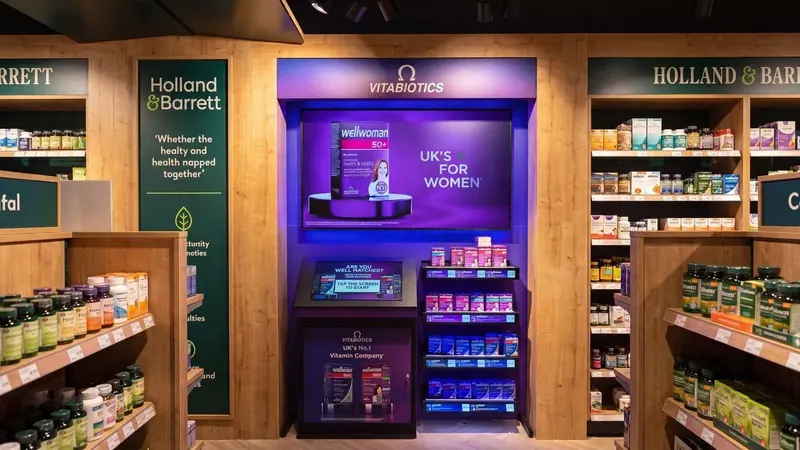
Compare sites with screens against similar sites without them, over the same weeks.
Sensor counts, sales and content performance together tell you where to roll out next. If a fixture fails most of the four tests, a printed label is the better spend.
Thanks for reading
Want this working on your estate?
Talk to the team that surveys, installs and supports it, across the UK and Europe.
Next story · KitchenHow to plan a self-service kiosk pilot