Infrastructure · Explainer
Store networks that keep trading when the line goes down
Failover, monitoring and the design choices that keep orders and payments flowing.
A backup that takes over by itself
A primary connection and a backup, usually 4G or 5G, with automatic switching between them.
Orders and payments carry on while the main line is fixed. Heavy traffic, such as content downloads, can wait until it is back.

Keep things apart
Payments
On their own segmented network, so a compromised screen or kiosk cannot reach them. It also reduces how much of the estate falls under PCI DSS.
Store systems
Kitchen screens, kiosks, signage and back office.
Guest Wi-Fi
Kept well away from both.


See every site from one place
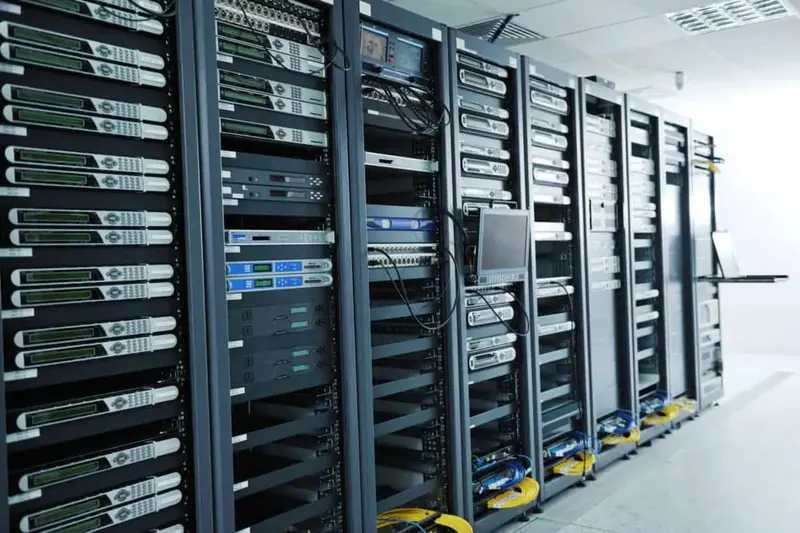
Monitoring shows which sites are on backup, which links are slow and which kit has dropped off.
Test failover on a quiet day
- 1
Plan
Pick a quiet window.
- 2
Pull
Take the primary line down.
- 3
Check
Orders, payments and screens still work.
- 4
Restore
Switch back cleanly.
- 5
Record
Note it and repeat on a schedule.
Want this working on your estate?
Talk to the team that surveys, installs and supports it, across the UK and Europe.