← All stories
Drive-thru · Explainer
Drive-thru · Explainer
Drive-thru timers: the numbers that matter
Total lane time shows there is a problem. Stage times show where.
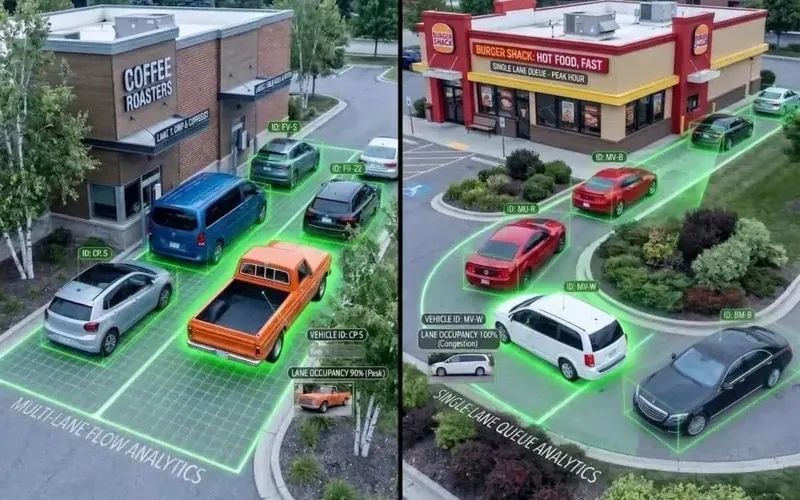
Order point, pay window, collection window
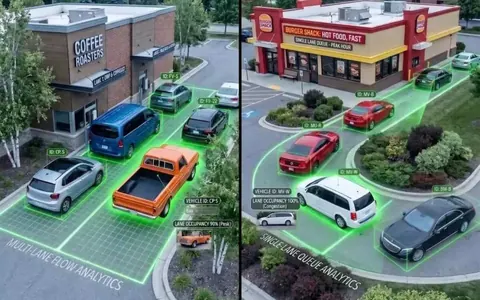
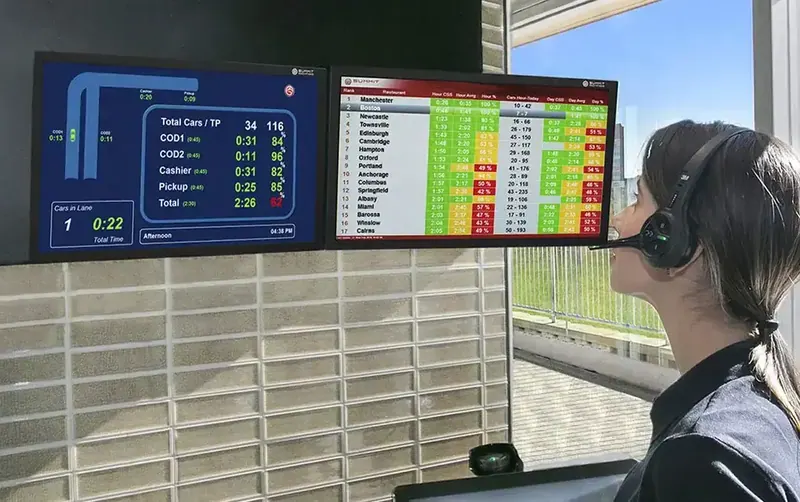
A timer splits every car’s visit into stages.
When lane time rises, the stages show where: taking the order, paying, or waiting at the window for food.
Four habits that make timer data useful
01
By daypart
Breakfast and late night behave differently. Compare like with like.
02
Stage by stage
Find the stage that moved, not just the total.
03
Clean data
Detection loops placed so every car is counted and the timer cannot be gamed.
04
Staffing
Use the pattern to plan who works when.
Targets your crew can act on mid-rush

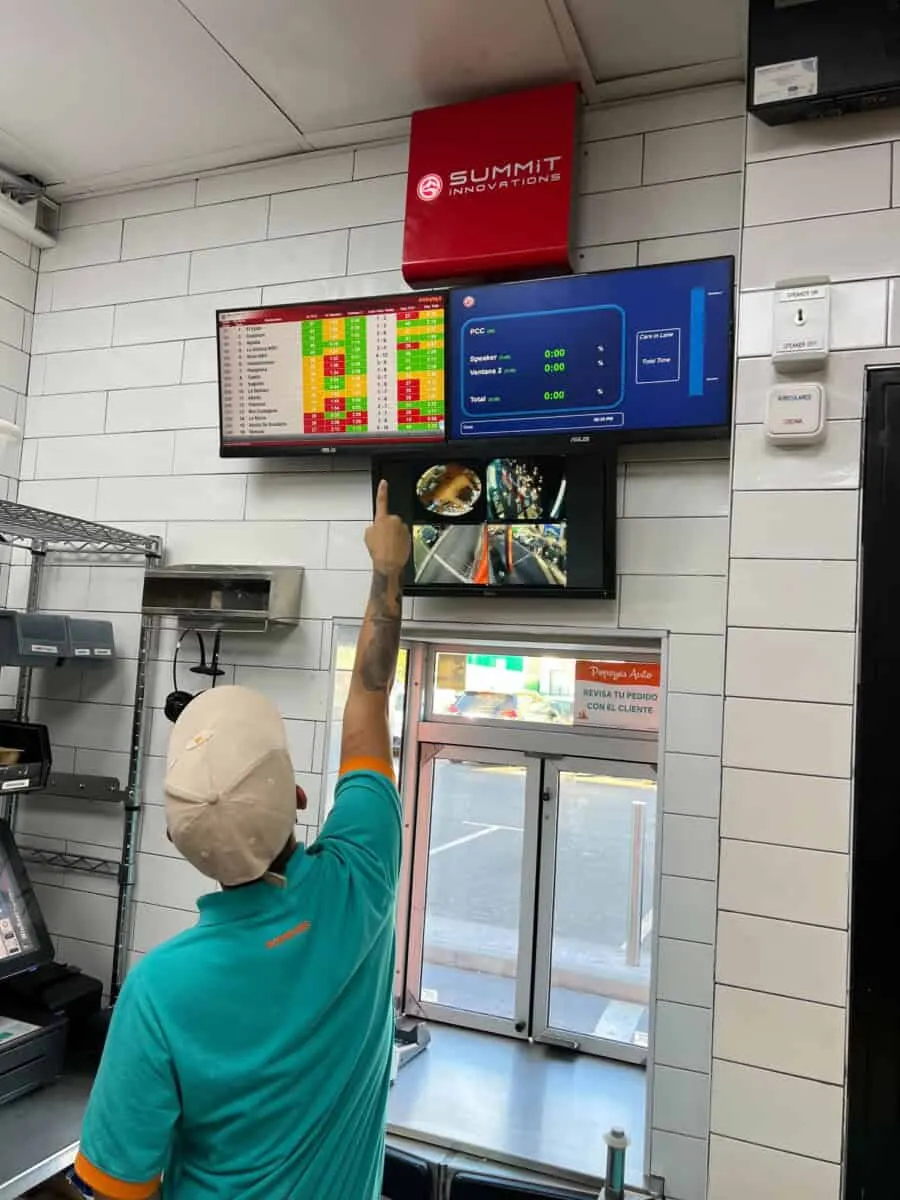
Live timers at the window and an alert in the headset the moment a stage runs over let the crew fix a slow stage while the cars are still in the lane.
Stage timing across a whole estate
388drive-thru lanes rebuilt in 12 months
+30%record car count on measured sites, weeks four to ten, while control sites stayed flat
Thanks for reading
Want this working on your estate?
Talk to the team that surveys, installs and supports it, across the UK and Europe.

Next story · ServiceThe pre-install site survey checklist