Kitchen · Guide
Kitchen management systems by restaurant format
How to match a kitchen management system to the way your restaurant serves.
From paper tickets to live screens
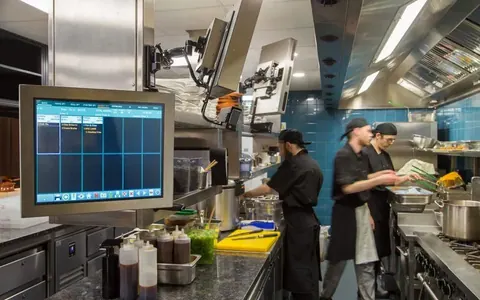
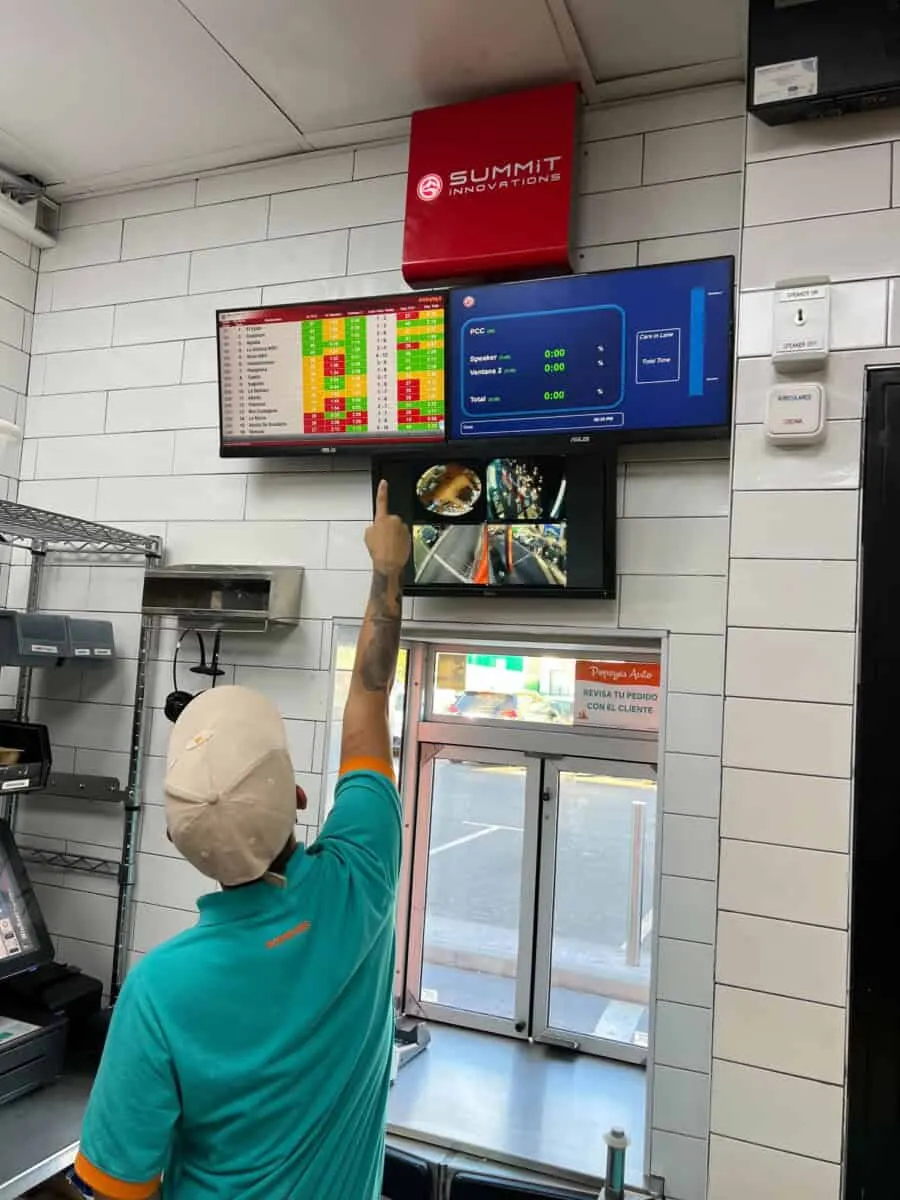
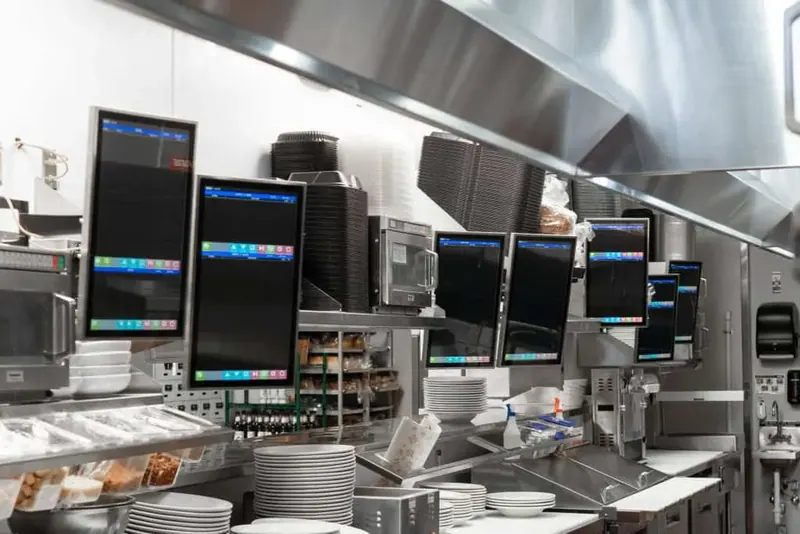
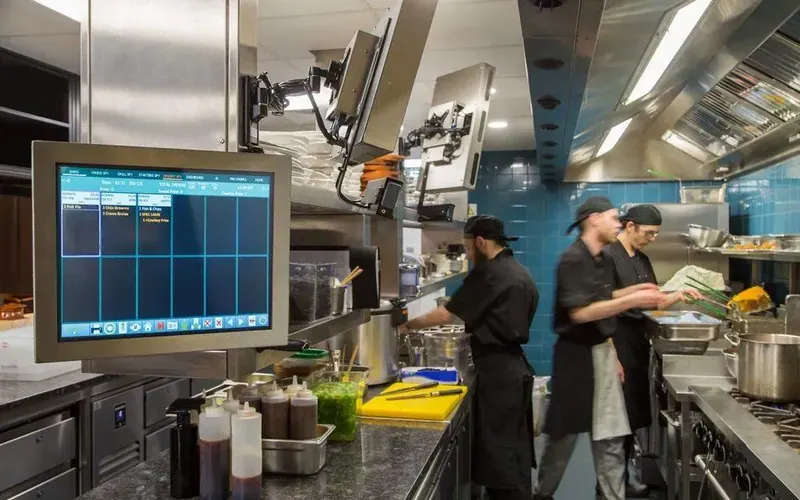
A kitchen management system replaces paper tickets with screens at every station.
With labour costs rising and orders arriving from more channels, it lets a kitchen handle delivery and takeaway alongside dining-room orders without losing track.
What changes when orders go digital
Order flow
Orders route straight to the right station.
Fewer errors
No more misread handwriting or lost tickets.
Live status
Real-time updates and status tracking for every order.
Better service
Faster, more accurate food, and delivery orders timed to the driver so they arrive hot.
The right system depends on how you serve
Crunchtime Kitchen
Real-time order tracking, dish timing and links to many POS systems.
Annoncer
Calm, precise kitchen-to-service communication, with course timing by table.
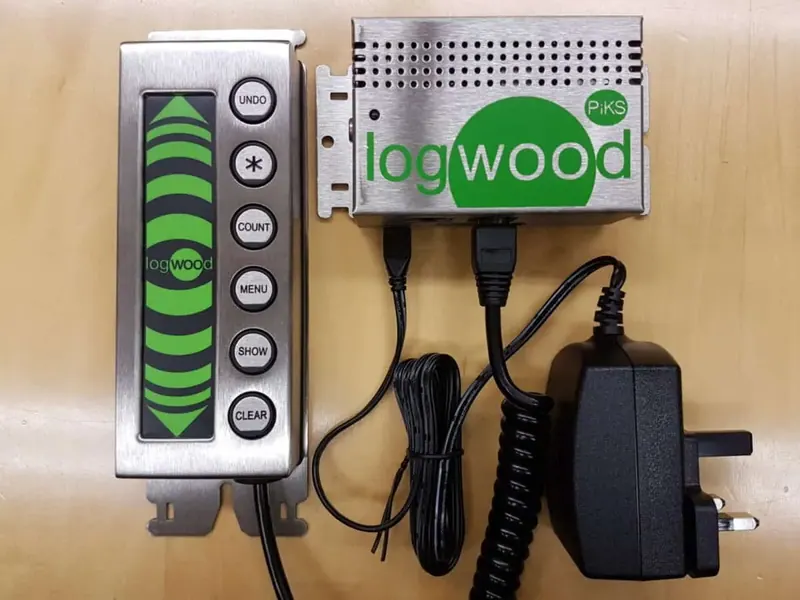
Logwood PiKS
A UK hardware-only option, cost-effective where kitchen software is already in place.
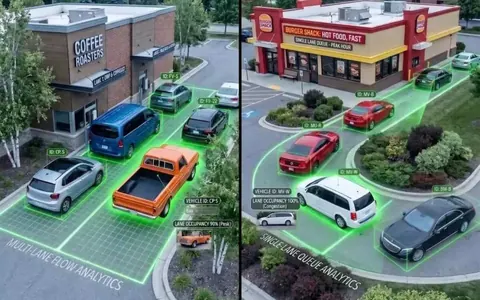
Delivery first
TechRyde KDSync, which syncs each kitchen order with the driver’s location and batches deliveries.
Connect the screen to the kit around it
A kitchen management system works best when it connects to the rest of the kitchen: printers, bump bars, timers and equipment.
Hardware-only options such as Logwood can be a simple, tough choice where kitchen software is already in place.
Precision for the pass
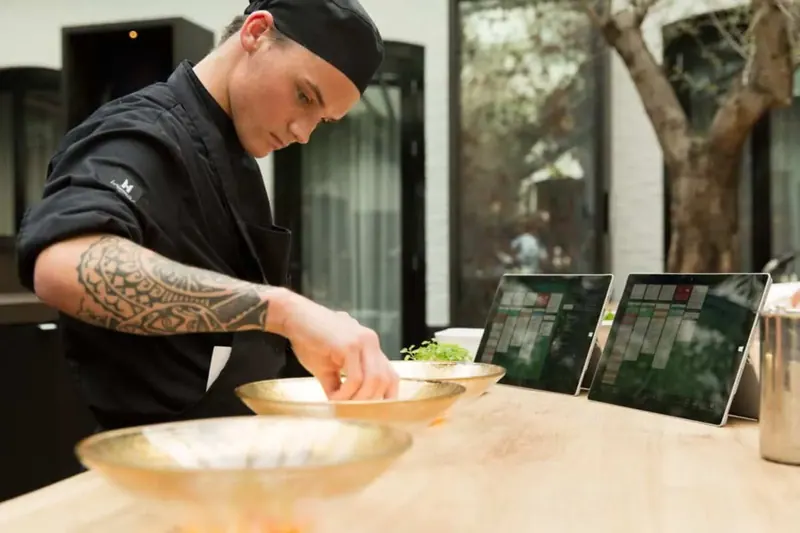
Some kitchens need timing across courses, not just speed.
Annoncer is designed around that rhythm: course timing, plating notes, guest preferences from reservation systems such as SevenRooms, and a live timeline for every table.
Weigh price against what you will need
Upfront cost
Hardware, licences and installation.
Scalability
Will it grow from one site to many?
Integration
Does it connect to your POS and ordering channels?
Support
Who fixes it on a Saturday night?
Talk to people who install and support them
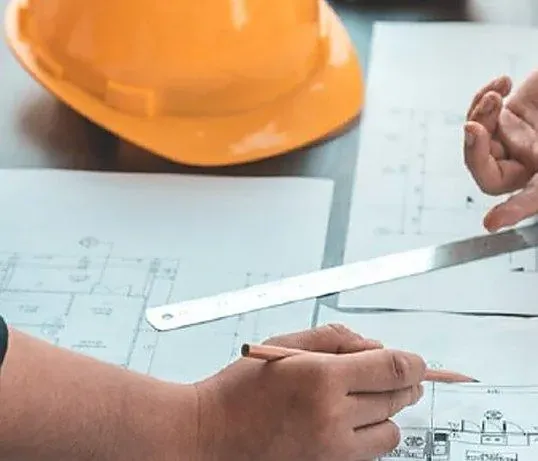
An independent view helps you compare systems on your menu and your kitchen, not on a demo.
Five steps to a smooth roll-out
- 1
Assess
Map your menu, stations, channels and peaks.
- 2
Select
Choose the system that fits how you serve.
- 3
Integrate
Plan connections to POS, delivery and equipment.
- 4
Train
Get the crew confident before go-live.
- 5
Monitor
Track ticket times and fix what the data shows.
Want this working on your estate?
Talk to the team that surveys, installs and supports it, across the UK and Europe.