Kitchen · Guide
What is a KDS? A guide for restaurant operators
What a kitchen display system is, how it works, and what to check before you choose one.
Screens that replace paper tickets
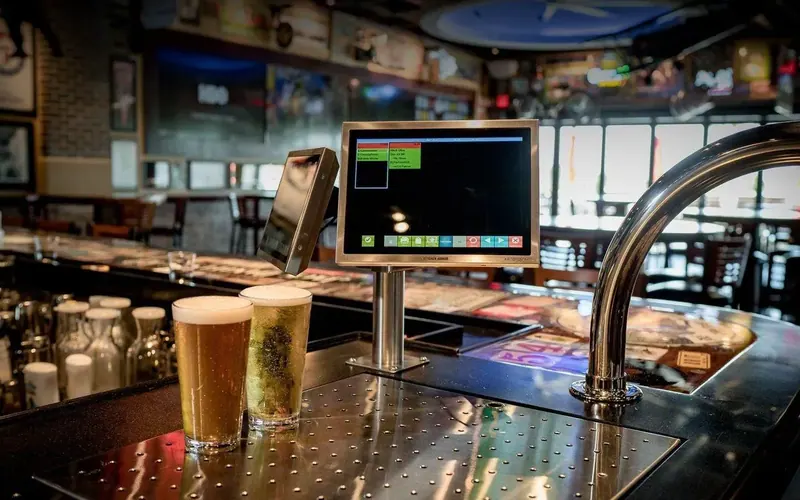
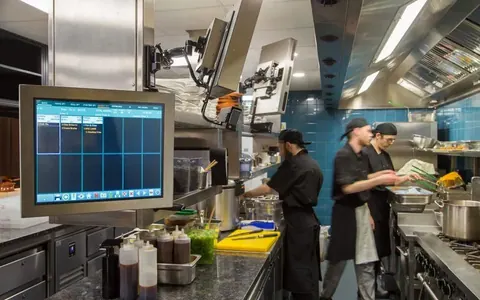
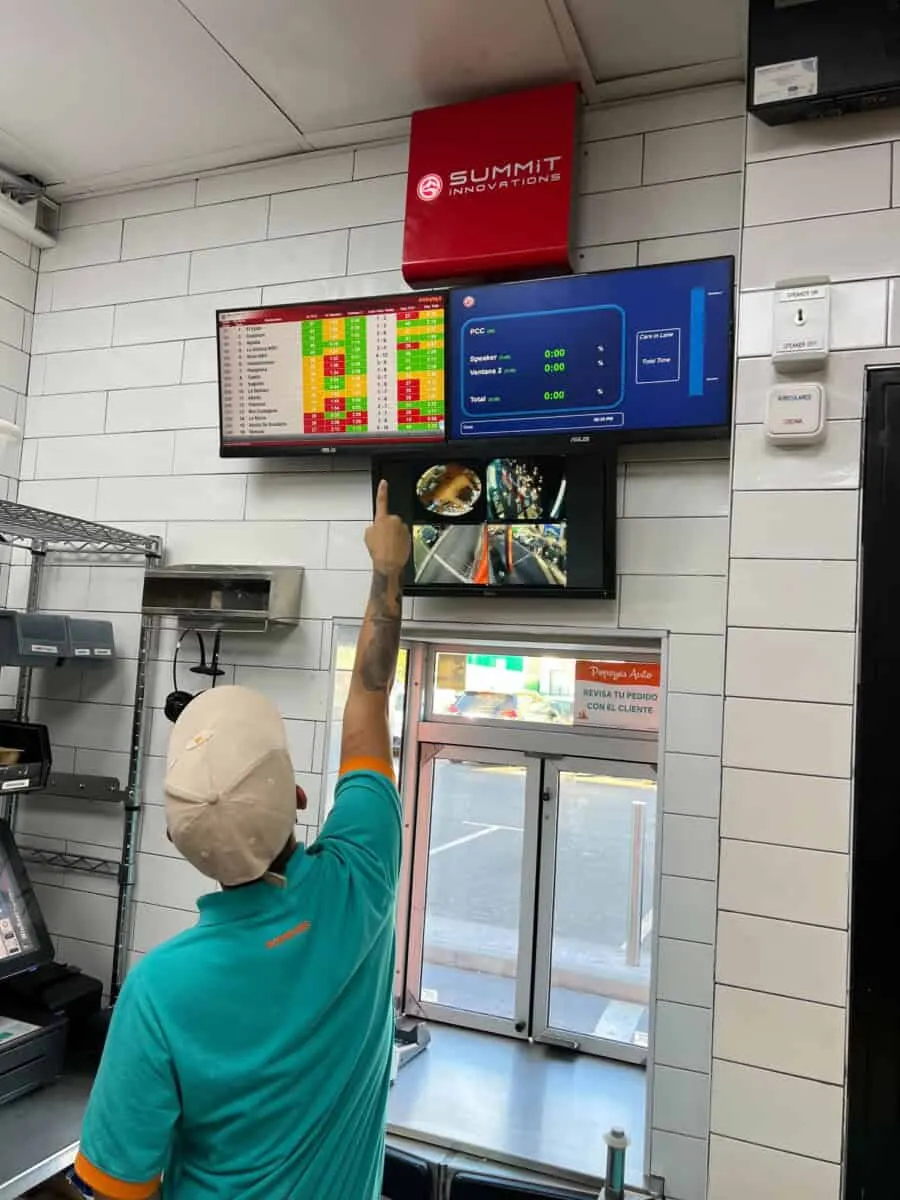
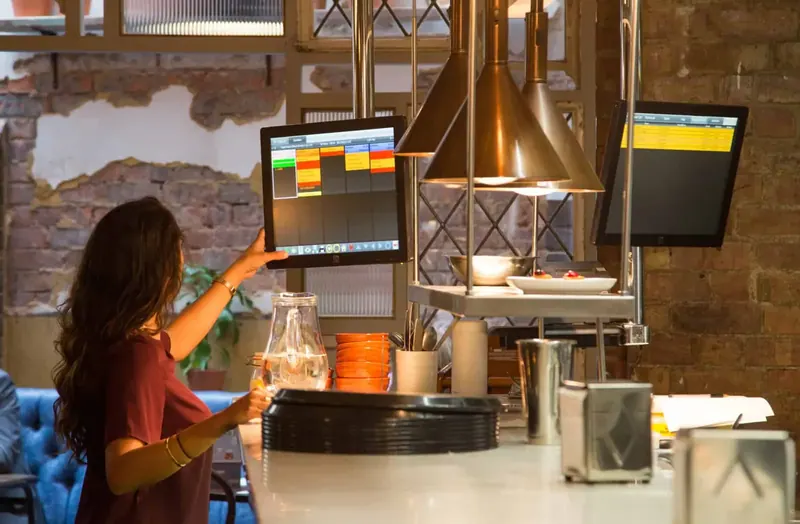
A KDS, or kitchen display system, is a set of screens in the kitchen that replace paper tickets and printers. Every order appears on screen as soon as it is placed, wherever it came from: the counter POS, a self-service kiosk, the drive-thru, an app or a delivery platform.
The team sees what to cook and in what order, with every modifier and allergen note in plain view. When an item is ready, the cook bumps it off the screen and the next one moves up.
How an order moves through a KDS
- 1
Ordered
Placed at the POS, a kiosk, the drive-thru, an app or a delivery platform.
- 2
Routed
Each item goes to the station that makes it, such as grill, fry, cold prep or drinks.
- 3
Cooked
Each station works from a live list, oldest orders first.
- 4
Bumped
The cook marks each item done with a tap or a bump bar.
- 5
Handed over
The pass sees the complete order, and it goes out together.
The screens and the system around them
The two terms are often used for the same thing. Strictly, the KDS is the screens and the software that shows the orders. A kitchen management system (KMS) is the wider setup: how orders are routed, how stations are balanced, the reporting behind it and how it connects to your POS and delivery channels.
When you compare products, compare the whole system, not just the screen.
What a kitchen display system can do
Station routing
Orders can be split so each station sees only the items it makes.
Live timers
Ticket times can be shown in colour, so late orders stand out.
Fewer errors
No lost or unreadable tickets, and modifiers stay visible on screen.
One list for every channel
Counter, kiosk, drive-thru and delivery orders can sit in one sequence.
Allergens in view
Allergen and dietary notes can be highlighted on the ticket.
Reporting
Ticket times by station and daypart show where the kitchen slows down.
Features differ between platforms, so decide which matter most to your kitchen before you compare.
Built for heat, grease and steam
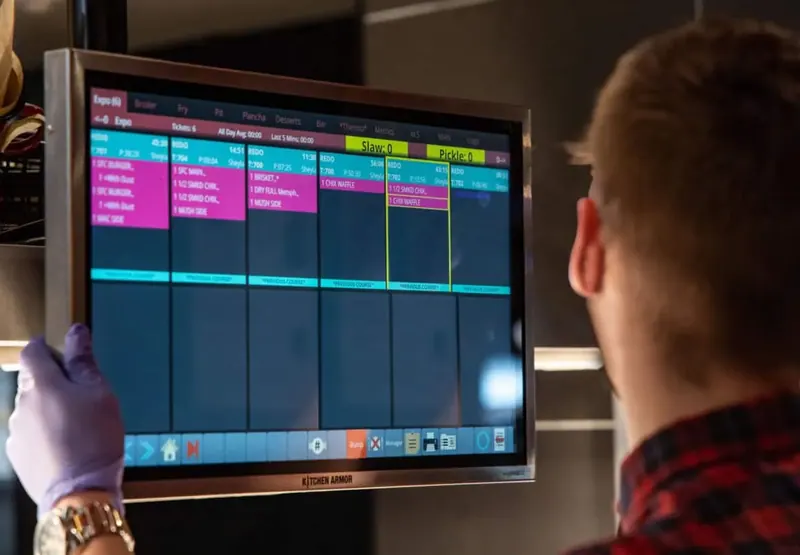
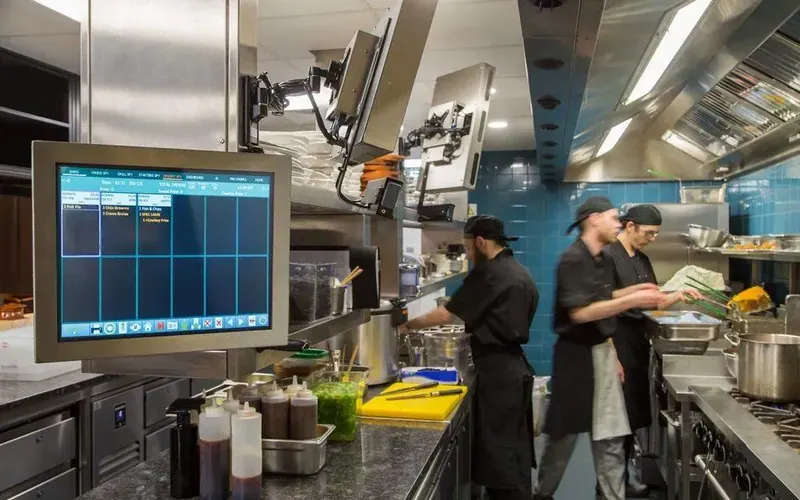
Kitchen screens sit close to grills and fryers, so they need to cope with heat, grease and daily cleaning. Many kitchens add bump bars, which let cooks clear orders without touching the screen, and controllers that run the screens.
Hardware such as Kitchen Armor is built for tough environments, and Logwood PiKS adds a bump bar and controller where kitchen software is already in place.
Questions to ask before you choose
Your POS
Does it connect to the POS you already run?
Your channels
Can it take kiosk, drive-thru, app and delivery orders?
Your stations
How many screens and stations does each site need?
Support
Who fixes it on a Saturday night?
Scale
Will it work the same way across every site?
Budget
What are the hardware, licence and installation costs?
The right system for your kitchen
We install and support Crunchtime Kitchen, Annoncer, Logwood PiKS and Kitchen Armor hardware, so we can recommend what suits your menu, your team and your budget, not what we have to sell.
We survey the kitchen, connect the system to your POS and delivery channels, train the crew, and support it around the clock after go-live.
Want this working on your estate?
Talk to the team that surveys, installs and supports it, across the UK and Europe.